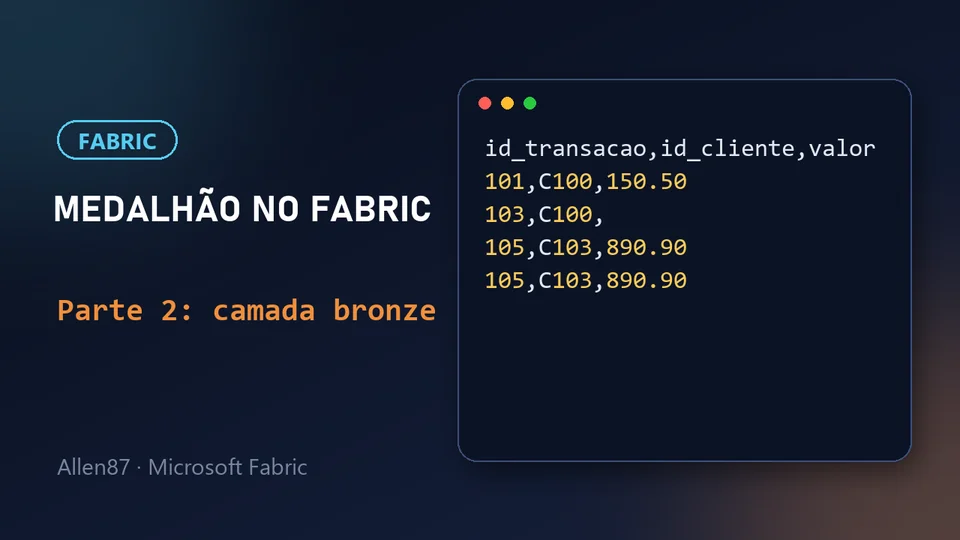
This is part 2 of the series on medallion architecture in Microsoft Fabric. In part 1 we set up the environment. Now we'll create the bronze layer and load a sales CSV file into it.
In one sentence: bronze keeps the data exactly as it arrived, with no cleanup.

What is the bronze layer
Bronze is the entry point for data. The rule is simple: the data stays exactly as it arrived from the source, with no cleaning and no fixes. That brings two advantages:
- Traceability: you always know what the original data looked like.
- Reprocessing: if something goes wrong in later layers, you can redo the cleanup starting from the raw data.
That's why, if the file arrives with errors, bronze keeps them.
Creating lh_bronze
See the animated step-by-step:
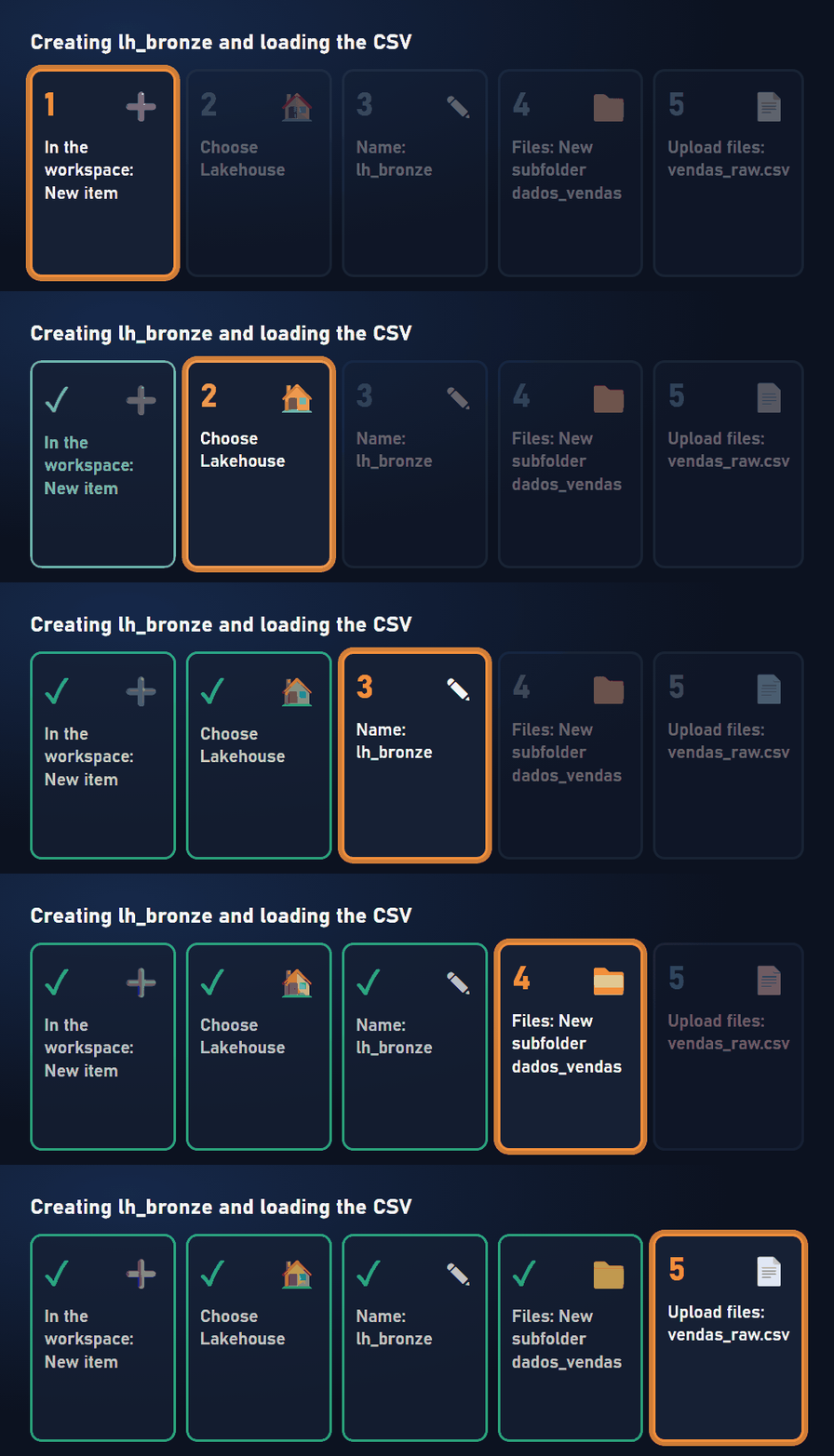
Inside the workspace, let's create the bronze layer's lakehouse:
- In the workspace, click New item and choose Lakehouse.
- Name it
lh_bronzeand confirm.
When it finishes, the lakehouse opens with the two areas we saw in part 1: Files and Tables. Tables live in the dbo schema, which is the default.
Tip: button names may vary a little depending on the portal version and language.
The sample file
For the series, I used a small sales file, vendas_raw.csv. Create a text file with this content and save it under that name:
id_transacao,id_cliente,data_venda,valor,status
101,C100,2024-01-15,150.50,Concluida
102,C101,2024-01-16,320.00,Concluida
103,C100,2024-01-16,,Pendente
104,C102,2024-01-17,45.00,Cancelada
105,C103,2024-01-18,890.90,Concluida
105,C103,2024-01-18,890.90,Concluida
Each line is a transaction, with the ID, customer, date, amount and status.
Loading the file into bronze
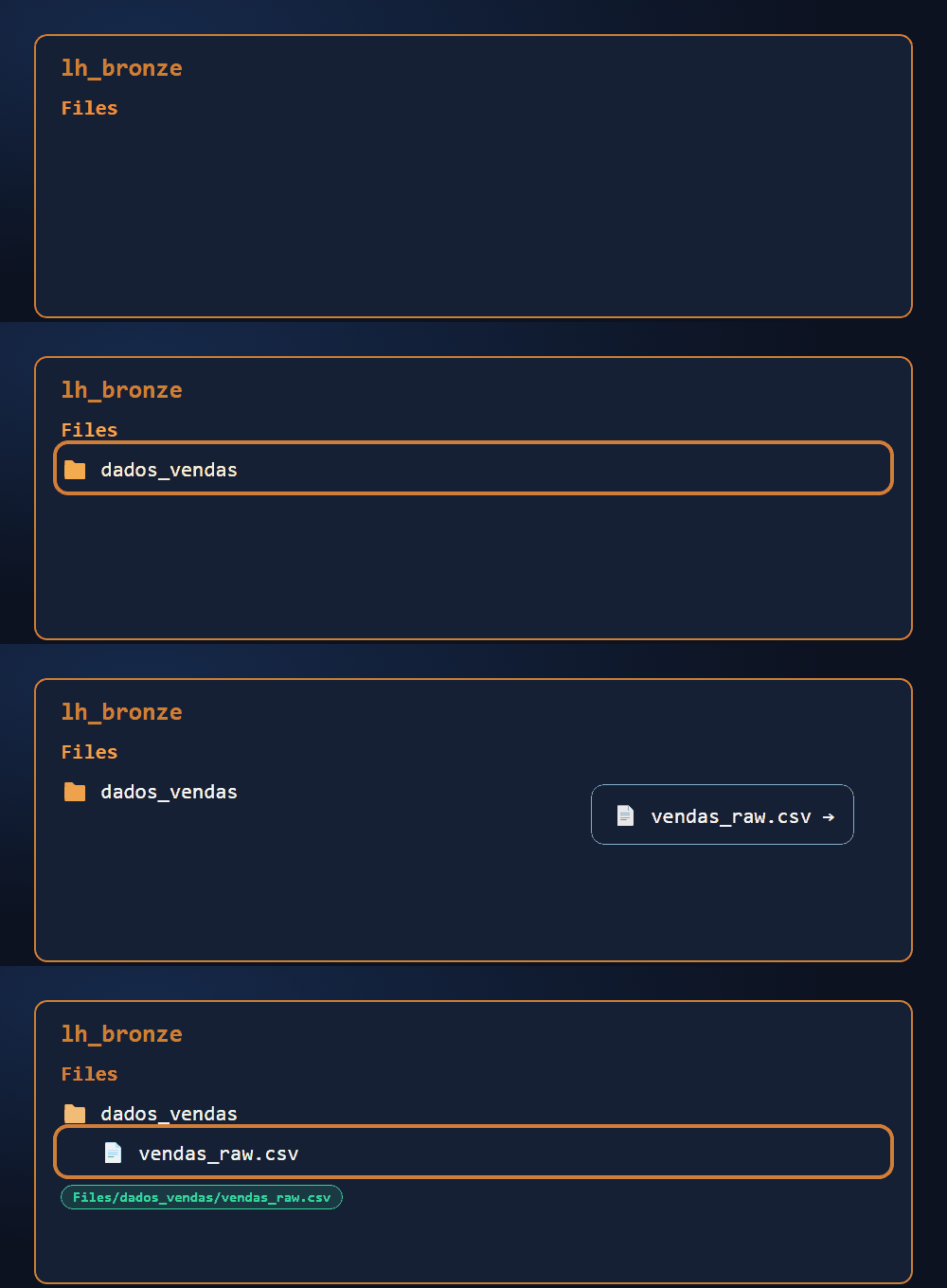
The raw file lives in the Files area. Let's organize it in a subfolder:
- In lh_bronze, click the three dots next to Files and choose New subfolder.
- Name it
dados_vendas. - Open the folder, use the upload option and choose Upload files.
- Select
vendas_raw.csvand confirm.
Done: the file path is Files/dados_vendas/vendas_raw.csv.
Tip: the subfolder isn't just for organization. In part 3, we'll create a shortcut to this data, and a shortcut points to a folder, not to a single file. Without the subfolder, I couldn't select the CSV.
The file's problems
The file has problems on purpose, so we have something to clean up later:
- Transaction 103 has no value.
- Transaction 104 was canceled.
- Transaction 105 appears twice.

In bronze, none of this is fixed. The data stays raw. The cleanup happens in silver.
Going further (Microsoft documentation)
Summary
- Bronze keeps the data exactly as it arrived, with no cleanup.
- We created the lh_bronze lakehouse and the
Files/dados_vendasfolder. - We loaded
vendas_raw.csv, which has an empty value, a canceled transaction and a duplicate. - The subfolder will be needed to create the shortcut in the next step.
In part 3, we'll create the silver layer and connect it to bronze with a shortcut.